

Business Technology / Computers & Accessories
A Tech Starter Kit for a Small Office or New Shop in Ghana
IPMC Kart · 23 October 2026
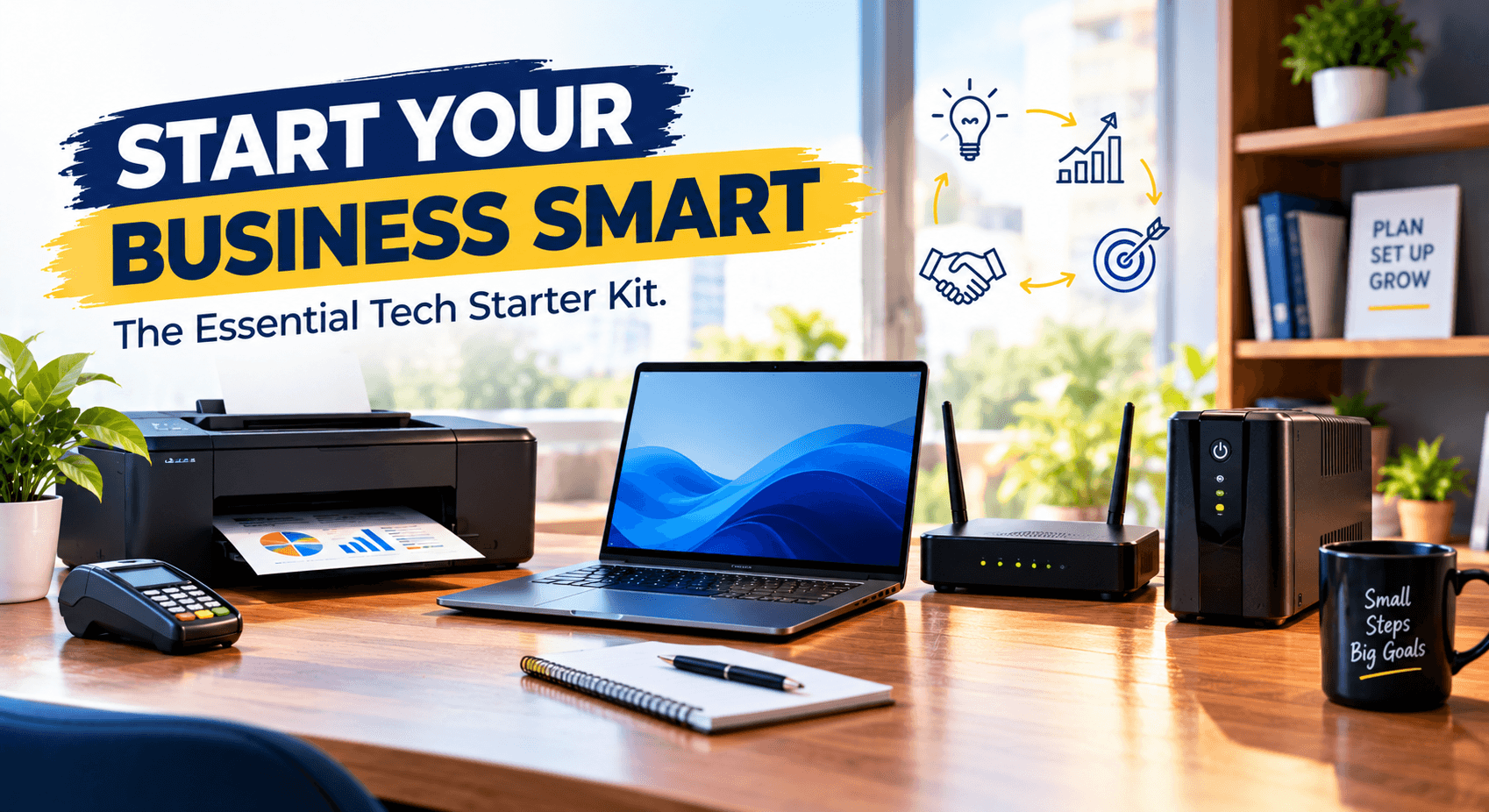
Starting a new shop or small office is exciting, but getting the technology right can be a challenge. You need equipment to handle sales, print receipts and documents, connect to the internet and keep daily operations running smoothly. Buy too little and work becomes difficult. Buy too much and you spend money on features you do not need.
The best approach is to start with the essentials.
Whether you are opening a retail shop, a small consultancy, a pharmacy, a salon or a growing office in Ghana, a practical tech starter kit can help you work more efficiently from day one.
Here are five essential items, followed by two tips for putting them together and staying within budget.
1. A Reliable Computer for Daily Business Tasks
A computer is often the centre of a small business’s technology. You may use it to manage stock, prepare invoices, update spreadsheets, handle accounting and keep business records.
A desktop suits a permanent workstation such as a shop counter or office desk. It usually offers good performance for the price and can be easier to upgrade. A laptop suits you better if you move between locations, attend meetings or take work home. Its built-in battery gives some temporary power during a cut, though it is no substitute for a UPS.
For everyday tasks such as email, invoicing and documents, a sensible starting point is a recent Intel Core i3 or i5 (or AMD Ryzen 3 or 5) processor, 8GB of RAM and an SSD. Move up to 16GB of RAM if you multitask a lot or run heavier software. You do not need an expensive workstation to run a small shop, so start with the tasks you need to perform and choose specifications that handle them comfortably.
For a full breakdown, see our guide, “10 Things to Check Before You Buy a Laptop in Ghana.”
2. A UPS to Protect Your Equipment During Power Cuts
For many businesses in Ghana, power cuts are a regular part of the working week. They can halt sales, interrupt work and wipe out unsaved information. A UPS (uninterruptible power supply) provides temporary battery power when the mains fails, giving you time to save your work, shut down properly or ride out a short interruption.
Plug in the equipment your business cannot afford to lose: the main computer, the POS terminal, and the router and modem, since a shop without internet cannot process digital payments or online orders.
To size one, add up the wattage of the devices you plan to connect, then choose a UPS rated above that total, leaving some headroom. Check how long it can keep the equipment running at that load, how many outlets it has and what battery replacement involves. Do not connect everything to one UPS without checking its capacity. Printers, especially laser printers, can draw far more power than you expect, so leave them off unless the manufacturer says otherwise.
A UPS gives you minutes, not hours. If your business must keep working through long outages, you will also need a generator or another backup power source.
For more detail, read our guide, “Why Your Computer Needs UPS Protection During Power Interruptions.”
3. A Printer for Invoices and Business Documents
Even businesses that work mostly digitally still print invoices, quotations, delivery notes, contracts and stock sheets. The right printer depends on what you print and how often. (Dedicated receipt printers for shop counters are covered under POS equipment below.)
An inkjet suits colour documents and occasional office printing. A laser printer is usually the better fit if you print a lot of text-heavy documents. If you also need scanning and copying, an all-in-one printer saves you buying and finding space for separate devices.
Whichever you choose, compare running costs, not just the purchase price: the price and page yield of ink or toner, and whether replacements are easy to find locally. For a small office, a printer that is cheap to run often gives better value than a cheaper model with expensive consumables.
Our printer buying guides cover inkjet versus laser in more depth.
4. A Reliable Router for Internet Connectivity
Internet access supports digital payments, email, cloud-based accounting, online orders and customer messages. A router connects your devices to your local network and, with an internet service, to the internet. For a new shop or office in Ghana, a stable connection makes a real difference to how smoothly all of this runs.
When choosing a router, look at:
• Coverage: whether it covers your whole workspace. A small shop needs less than an office with several rooms or thick walls.
• Speed and capacity: your internet package and how many devices will connect. A router cannot deliver more speed than your service plan provides, and a dual-band model (2.4 GHz and 5 GHz) copes better when several devices share the network.
• Security: current security features, firmware updates and the ability to set a strong Wi-Fi password. Change the default administrator login as soon as you set it up.
• Ethernet ports: enough wired connections if you want a desktop, printer or POS system on a cable.
• Backup: whether mobile broadband or a second connection could keep you online if your main service fails.
Before buying, confirm that your chosen internet provider covers your business location. A good router is only part of the setup, because you still need an active connection. Remember to put it on your UPS.
5. POS Equipment for Managing Sales and Payments
If you run a retail shop or serve customers at a counter, a point of sale (POS) setup helps you record transactions and manage sales. What you need depends on your business: a small shop may start with a computer or tablet and POS software, while a busier operation may need dedicated equipment.
A typical setup may include:
• POS computer or terminal: runs the sales application and records transactions.
• Barcode scanner: reads product barcodes to speed up checkout and reduce manual entry.
• Receipt printer: produces printed receipts when required.
• Counting machine: counts money and detects fake and defective banknotes.
• Payment terminal: accepts supported electronic card payments.
• POS software: records sales and may support stock, reporting and customer records.
Not every business needs all of these. A service business may only need invoicing software and a way to accept payments, while a shop with many products benefits from a barcode scanner and stock tracking.
Before buying, confirm the hardware works with your POS software, and compare ease of use, reporting, technical support and the cost of software subscriptions or transaction fees. In Ghana, also check that any payment terminal or service supports the payment methods your customers actually use, including mobile money and cards. Do not assume every POS device accepts every payment type. The safest step is to ask your bank or payment provider which terminals they support before you buy hardware.
6. Make Sure Your Equipment Works Together
Buying the right devices one by one is only half the job. Your computer, printer, router and POS equipment must work together.
Before purchasing, check compatibility. Confirm that the receipt printer works with your POS software, that the computer runs the applications you need and that your router provides the connections your devices require.
Plan where each item will sit, too. Keep cables tidy, leave space around equipment for ventilation and place customer-facing devices where they are easy to use without blocking the counter.
If you hold customer information or business records, build in data security from the start. Use strong passwords, keep software updated and back up important files regularly.
7. Build Your Kit Around Your Budget
You do not have to buy everything at once. Start with what the business needs in order to operate, then add other items as demand grows.
|
Business type |
Essential starting equipment |
Consider adding later |
|
Small retail shop |
Computer or POS terminal, router, UPS and a suitable receipt printer |
Barcode scanner, cash drawer, inventory tools and an external backup drive |
|
Small office or consultancy |
Computer, router, UPS and a document printer |
Scanner, additional monitor, external backup drive and network storage |
|
Salon or service business |
Computer or tablet, internet connection and a suitable payment setup |
Receipt printer, appointment software and customer management tools |
|
Growing retail business |
POS system, receipt printer, router and suitable backup power |
Additional terminals, barcode scanners and stock-management tools |
These are starting points, not fixed rules. Your actual needs depend on your services, transaction volume, space and budget.
When comparing prices, look at the total cost of ownership: consumables, software, internet service, maintenance and replacement batteries, not just the purchase price.
Get Your Business Ready
Setting up a new shop or office does not have to be complicated. Start with what your business needs to run on day one, check that everything works together and add the rest as you grow.
At IPMC Kart, we believe the best technology choices begin with understanding what your business needs today and what it may need as it grows.
Planning a new shop or small office in Ghana? Explore the computers, printers, UPS systems, networking equipment and other technology products available on IPMC Kart to compare your options and build a practical business tech starter kit.
- Small Business Technology
- Office Equipment
- Business Computers
- Printers
- UPS Systems
- Networking Equipment
- POS Systems
- Retail Technology
- Small Offices
- Technology in Ghana