

UPS & POWER
Why Your Computer Needs UPS Protection During Power Interruptions
IPMC Kart · 13 October 2026
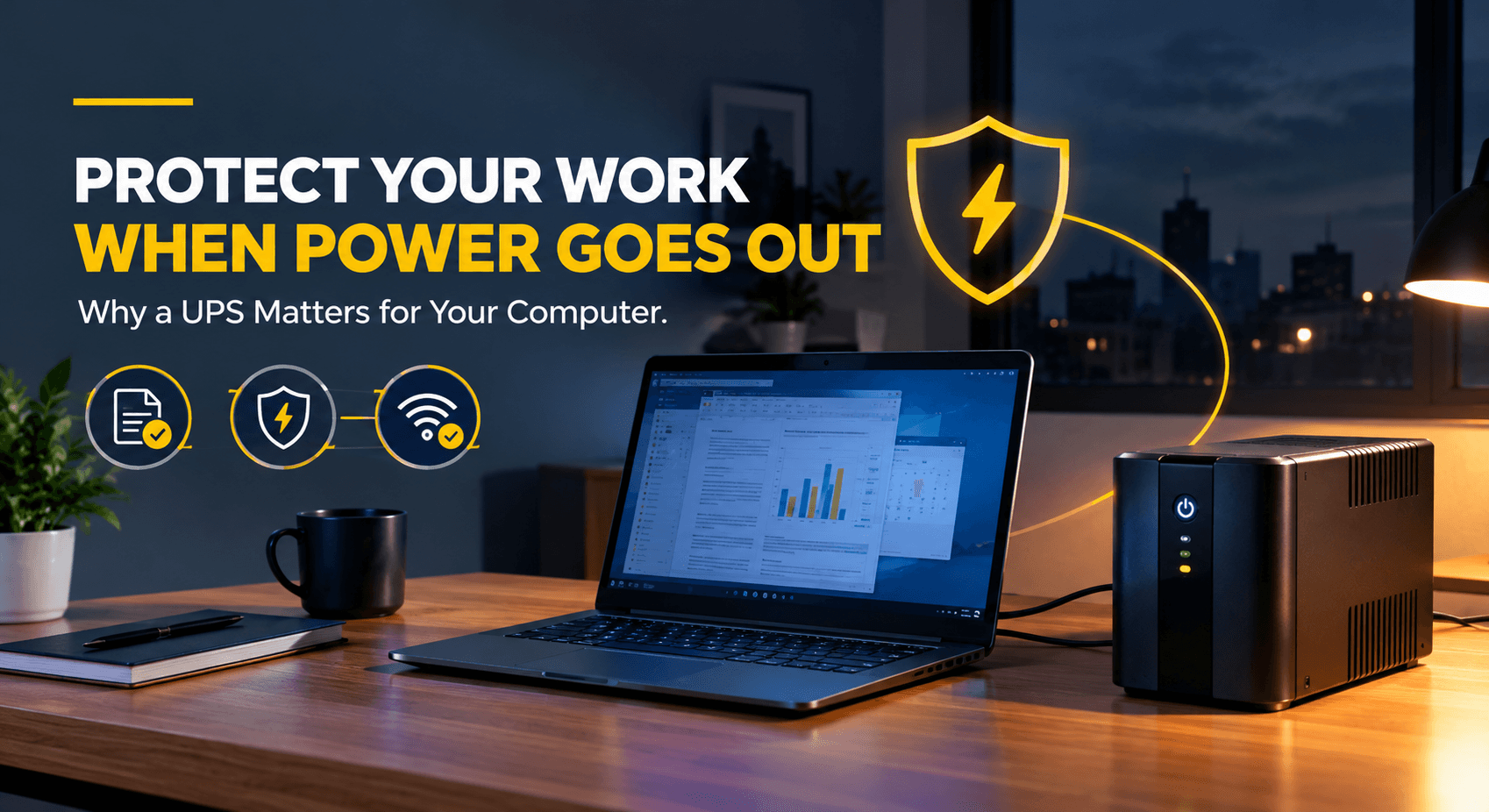
Have you ever been halfway through an important task when the lights suddenly go out, leaving you with a blank screen and unfinished work?
In Ghana, many businesses and households face power cuts that disrupt daily activities. When you are using your computer to prepare a report, process customer payments or handle business documents, a sudden power cut can mean hours of lost work.
A UPS (uninterruptible power supply) is a battery backup that keeps your computer running for a short time when the electricity fails, giving you time to save your work and shut down safely.
Many UPS units also add a layer of protection by smoothing out power fluctuations that can damage your equipment.
Here is why UPS protection is worth considering for your computer setup.
1. It Gives You Time to Save Your Work and Shut Down Safely
Unsaved work disappears the moment a computer loses power. That includes the spreadsheet you have been building for an hour, the report you have not saved yet and the business documents open on your screen.
A UPS gives you backup power for a short time during a power cut. That is enough to save your open files, finish an important task and shut down your computer properly.
A proper shutdown matters. Your operating system may be writing data to the disk at the moment the power fails. You can lose unsaved files entirely and in some cases, a sudden shutdown can cause file system errors or other software failures. A UPS reduces the risk of these problems by giving you time to shut down properly, and many models can also trigger an automatic shutdown through monitoring software connected by USB.
This matters most for computers that manage invoices, stock records, client information and other business files.
How long the backup lasts depends on the UPS’s battery capacity and the load connected to it. The higher the load, the less time you get.
2. It Helps Protect Your Computer From Power Problems
Power cuts are not the only concern. Variations in the electricity supply can also damage electronic devices, and computers, monitors and routers all need a steady, correct supply. Where the supply tends to dip or swing, this matters even more.
Not every power problem is a full cut. Some last only a few seconds, but even a brief break can make a computer switch off and restart. A UPS can bridge these short gaps, so you are not rebooting every time the power flickers.
Some models also include AVR (automatic voltage regulation), which corrects certain fluctuations without switching to battery power.
3. It Keeps Your Internet Connection Running During a Power Cut
When the power cuts out, your router and modem stop working, and with them your video calls, cloud documents, email and payment systems, even if your laptop battery is still charged.
A UPS connected to your modem or router can keep you online during a power cut. This is especially helpful for remote workers, small businesses that take orders online and any business that relies on cloud services.
4. It Helps Small Businesses Keep Trading
For a small business, a power cut rarely stops just one computer. The point-of-sale terminal, the stock records and the router that confirms payments can all go down at once, with customers still standing at the counter.
With a UPS, the team can finish the sale in progress, record it and close things down in order, instead of losing a transaction halfway through. For a shop or office in Accra that depends on one main computer, that can be the difference between a short pause and a day of missing records.
What a UPS Can’t Do
A UPS is a short-term safety net, not a replacement for mains power. Keep these limits in mind:
- It is not a guarantee. A UPS reduces the risk of data loss and shutdown damage, but it cannot promise that nothing will ever go wrong.
- Protection varies by model. Basic models provide battery backup only, while others add voltage regulation or other advanced features. Check what a model offers before you buy, and don’t assume all UPS units protect equally.
- Backup time is short. A UPS is designed to give you minutes, not hours. For longer power cuts, you need a generator or another long-term power source.
- It only powers what is plugged into it. Your router will still be useless if your internet provider’s own equipment loses power or has connection problems.
How to Select the Right UPS for Your Computer
To get the most from a UPS, make it part of a proper setup plan. Work through these steps:
- Decide what to protect. One UPS can’t power everything. Start with the devices that matter most, such as the main computer, the point-of-sale terminal and the router. Leave laser printers off the UPS, because they draw a lot of power.
- Work out your power needs. Find the total power consumption of the devices you want to connect (a desktop computer and monitor use more than a router), then compare it with the UPS’s watt and VA ratings. VA is the figure usually printed on the box, but the watt rating shows the real load the UPS can carry, so check both. Leave some headroom instead of running the UPS at full capacity.
- Decide how much backup time you need. A few minutes to save your work is very different from keeping a workstation running through a long outage.
- Check the protection and outlets. Look at the kind of protection the UPS provides and how many outlets you need.
- Match the UPS to your setup. A low-cost UPS is often enough for a home office to protect a computer and router for a short time. A busier workplace with many devices may need a larger or more advanced unit.
- Plan for the battery. UPS batteries wear out and need replacing eventually, so check yours regularly.
If you are unsure which UPS suits your setup, ask for advice before you buy.
Be Ready for the Next Power Cut
Power cuts are part of working in Ghana, but lost work does not have to be. A UPS that suits your setup gives you the minutes you need to save, finish up and shut down safely.
At IPMC Kart, we recommend choosing a UPS by what it needs to protect and how long it needs to hold, not by price alone.