

Computing Device
No Box, No Clutter: Why All-in-One Computers Are Ideal for Space-Conscious Workspaces
IPMC Kart · 7 October 2026
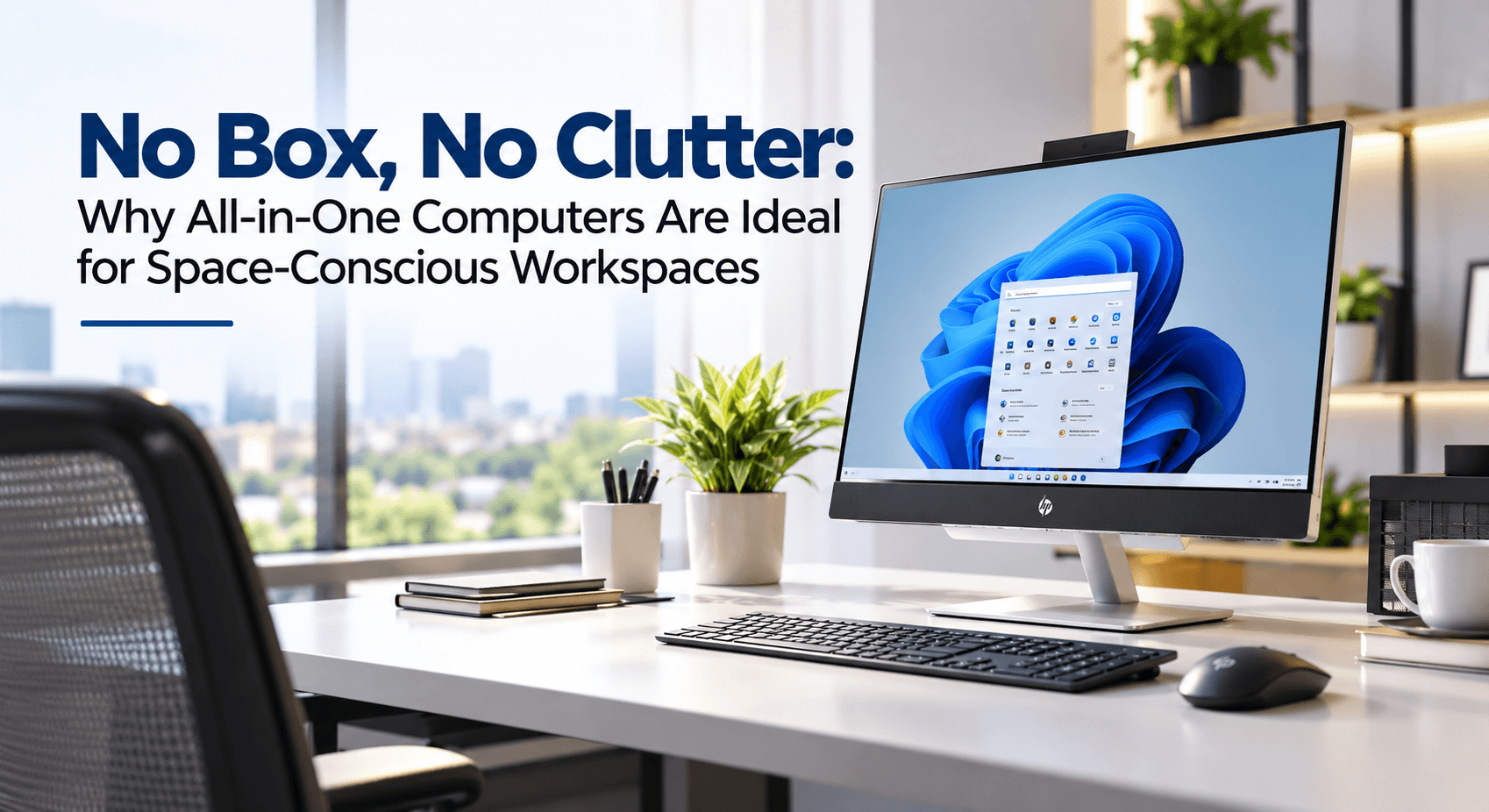
Does your office desk really need to be crowded with a monitor, a computer tower, a tangle of cables, speakers and other equipment? For many offices, the answer is no.
Limited desk space can turn even good technology into a problem. An all-in-one computer solves this by combining the monitor and the system unit into a single unit, instead of a separate screen and desktop tower. The result is less clutter, fewer cables and more usable desk space, and it makes a workspace easier to organise and maintain.
Here is why getting an All-in-One computer is worth considering:
1. It Takes Up Far Less Space on the Desk
The first and most important benefit is its compact size. A traditional setup needs room for both the screen and the tower, and the tower alone can take up a lot of space on or under the desk.
In an all-in-one, the components are built into the monitor, so you get the screen and the computer in a single product. That leaves more room on the desk for documents and whatever else you need to work.
In a small office where every centimetre of desk matters, that free space makes a real difference.
2. Fewer Cables Mean a Cleaner, Tidier Workspace
Look behind a typical computer setup and you'll find a tangle of wires: power cables for the tower and the monitor, plus connections for the keyboard, the mouse and other accessories.
An all-in-one removes much of this since the computer is built into the monitor. You'll still need a power cord and some external equipment, but there are far fewer wires to manage.
With no tower on the desk and fewer visible wires, the overall look is simpler and neater. This matters in reception areas and customer-facing offices, where a tidy first impression counts, and in open-plan offices, where several workstations sit close together. Simple, uniform desks also give the whole office a more consistent appearance.
3. It Is Simple to Set Up
Setting up a traditional desktop involves connecting several separate parts. With an all-in-one, you place the unit where you want it, plug it in, connect any peripherals you need, and you're ready to install your programs and set up your accounts.
This saves time when setting up a new office or replacing several computers at once. It also helps businesses without a dedicated IT team on hand, since there's less to assemble and fewer things that can go wrong during setup, a common reality for many small businesses here in Ghana.
4. It Is Easier to Move Around
An all-in-one isn't especially light, but moving a single device is still simpler than handling a monitor, a tower and their cables separately.
This helps during office reorganisations, changes to desk arrangements and moves of equipment between rooms. For businesses that rearrange their offices often, fewer components mean easier changes.
5. It Still Delivers Full Desktop Performance
Choosing an all-in-one doesn't mean giving up the performance you need. Depending on the model, you can find a large display, a strong processor, plenty of RAM and fast SSD storage.
This makes it suitable for many professional tasks: preparing documents, working with spreadsheets, accounting, putting together presentations, browsing and communicating.
The key is to choose specifications that match the work. A basic office user may not need a powerful processor or lots of memory, unlike someone running demanding creative applications.
6. It Works Well in Reception Areas
Reception desks need to look professional as well as work well. They have to hold a computer, perhaps a printer, documents and other equipment, and still leave room to interact with visitors. An all-in-one suits this setting well: its compact design keeps the desk organised and presentable without sacrificing the performance needed for everyday tasks, which matters for any Ghanaian business where the reception desk is often a customer's first impression of the company.
Is an All-in-One Computer Suitable for Your Workspace?
An all-in-one makes the most sense when you want the functionality of a desktop without extra equipment taking over your desk, particularly useful for start-ups and small businesses working in tight spaces where every square metre counts.
However, it won't suit everyone. If you need significant hardware upgrades or specialised equipment, a traditional desktop may be a better fit. Because the screen and the computer are one unit, a fault in either can affect the whole device, and upgrade options are usually more limited than with a tower.
The main goal is to match the computer to the job and the workplace, rather than simply choosing the most space-saving option.
What Should You Check Before Buying an All-in-One Computer?
Before you buy, look at more than just compactness. Check the following:
- Specifications: the processor, RAM and storage (ideally an SSD). These determine how well it will handle your day-to-day tasks.
- Screen size and resolution: these matter especially if employees will use it for long hours every day.
- Stand adjustability: height and tilt adjustment make long working hours more comfortable.
- Connectivity: the number of USB and HDMI ports, plus Wi-Fi and Bluetooth.
- Upgrade and service options: important if you plan to use the device for a long time.
Conclusion
A small office is no obstacle to good productivity. What matters is arranging the workspace to suit the tasks you need to perform.
By combining the monitor and the computer into one device, an all-in-one frees up space while keeping setup and cabling simple.
At IPMC Kart, we know every office is different. Before recommending an all-in-one, we make sure we understand your space, the type of work you'll do, and the specifications that your work requires.
Looking for an all-in-one computer in Ghana? Explore the options on IPMC Kart (https://ipmckart.com/category/computing-devices/all-in-one-computers) and find a setup that delivers the performance you need without taking over your workspace.