

Printers & Scanners
Best Printers for Small Businesses in Ghana: How to Choose the Right One
IPMC Kart · 23 September 2026
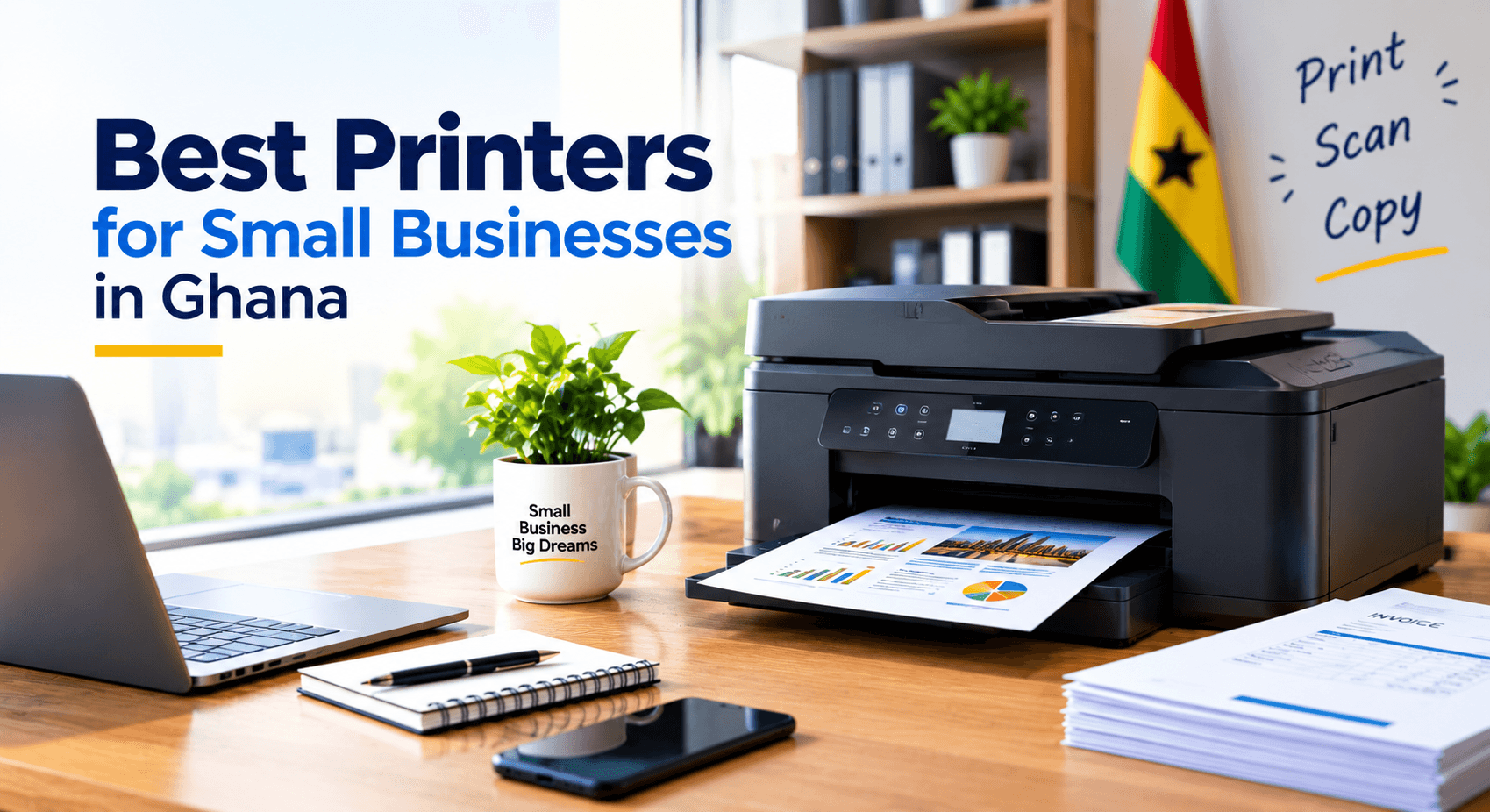
Have you ever purchased a printer simply because it was cheap, only to find out later that it has high ink expenses or cannot keep up with your requirements? For many small businesses in Ghana, that "affordable" printer in the shop can quietly turn into one of the more expensive tools in the office.
A printer can be a blessing that eases your daily operations, or a costly burden that drains money and slows you down. Most businesses use a printer for the basics: invoices, quotes, contracts, reports and bills. Some may additionally need one that can copy, scan or print in colour.
Your selection should depend on what kind of documents you'll be printing, how frequently you'll be printing, and how many people will use it. If you're starting a business in Ghana or replacing your existing office printer, here are the factors to consider before buying.
Start With How Your Business Will Actually Use a Printer
Before comparing brands and specifications, think through your daily printing needs. Do you print a handful of documents each week, or do you issue invoices every day? Does your team need to print reports, contracts and client documentation regularly? Do you also need to scan or photocopy?
These questions matter because not every printer can handle every workload. A small, home-based startup may only need something simple for occasional printing. An accounting firm, school, retail business or growing office needs something faster that won't slow the day down.
The rule is simple: buy a printer that matches your workload, not one loaded with features you'll never use.
Inkjet or Laser: Which Is Right for Your Business?
One of the first decisions is whether to go with an inkjet or a laser printer.
Inkjet printers work well if your business doesn't need high-volume printing but does need colour. They suit start-ups, home businesses and offices that occasionally print brochures, images or marketing materials. Keep in mind that ink cartridges need regular replacement, and this cost adds up quickly if you print often.
Laser printers are usually the better choice if your business prints mostly text, such as invoices, quotes, contracts and reports. Print speed also matters here: if several employees share one printer, waiting for documents to print can slow everyone down, especially with customers waiting.
Do You Need a Printer, Scanner and Copier in One?
A multifunction printer combines printing, scanning and copying in a single device, which saves space in a small office. If you regularly need to scan a signed document, copy an ID card or print pages from a contract, one machine can handle all three tasks instead of three separate ones.
What to Look For Before Buying a Printer for Business Use
1. How often do you print?
Start with your printing volume. If you print 20 to 30 pages occasionally, you don't need a printer built for heavy-duty work. If you're printing hundreds of pages a week, a basic printer will slow you down over time. Consider both your current workload and whether it's likely to grow.2. What will it cost to keep printing?
The price on the box is only the starting point. Budget for ongoing ink or toner costs, and check what type of cartridge or toner your printer uses before you buy, since this varies significantly between models.3. How fast is the print speed?
If only one person uses the printer occasionally, speed won't matter much. If several people rely on it throughout the day, check the pages-per-minute rating against your actual workload. A faster printer cuts down on the small delays that build up over a busy day.4. Do you need colour printing?
Not every office needs it. If you mainly print invoices and reports, black-and-white is usually enough. If you print presentations, marketing materials or graphics regularly, a colour printer makes more sense. Match this to your actual needs rather than paying for capability you won't use.5. How will people connect to it?
Depending on the model, you may be able to connect via USB, Ethernet or Wi-Fi. Wireless connections are a real advantage in a small office, since employees can print without connecting directly to the machine. If several computers will share the printer, make sure the model you choose supports your office setup, including any future growth.Two Printers Worth Considering for Small Businesses
HP LaserJet M135W
This multifunction device handles printing, scanning and copying, making it a good fit for a small office that deals with documents regularly but only needs basic scanning and copying, not heavy-duty output. It works well for invoicing, quoting and general administrative paperwork, without the need for separate machines. As with any printer, check the specifications and consumable costs against your expected workload before buying.HP LaserJet Pro 4003dw
This is a step up for businesses that need a printer built specifically for office use rather than a lower-end home model. It suits companies handling a steady volume of general paperwork and offers more headroom as workload increases, which can save you from replacing a smaller unit sooner than expected.Common Mistakes to Avoid When Buying a Printer
Choosing the cheapest option.
A low price is appealing when you're starting out, but check the ongoing cost of ink or toner before you commit. A cheap printer with expensive consumables often costs more over time.
Ignoring the cost of consumables.
Know which cartridges or toner your printer needs before buying. It's better to understand the ongoing cost upfront than to discover later that printing is eating into your budget.
Buying more features than you need.
More functions don't automatically mean a better choice. If you only print in black and white, there's no reason to pay for a colour multifunction printer. Choose features that solve real problems for your business.
Forgetting about growth.
Your printing needs today may not match your needs in a year. A startup that begins with a handful of invoices often ends up with several employees sharing one printer. If you expect to grow, choose a printer that has room to grow with you.
Matching the Printer to Your Business
- New companies: Choose something cheap to maintain and simple to use, but still capable of handling your actual workload.
- Small businesses: Weigh print speed and connectivity carefully if several employees will share the printer.
- Administrative offices: A multifunction laser printer is often worth it if you regularly print, scan and copy.
- Businesses that need colour: Compare colour printing options and factor in the cost of replacing colour toner.
- High-volume printers: Choose a printer built for business use rather than a home-use model.
Finding the Right Printer in Ghana
Once you know what your business needs, look for a sourcing partner you trust. Check the printer's cost alongside its specifications, warranty, consumables and after-sales service, not just the price tag.
IPMC Kart is one local option where you can compare different printer models based on your workload, budget and required features. Whether you're setting up a new office in Accra, replacing an old printer or planning for growth, comparing your options takes only a few minutes and can save you money and hassle later.
Conclusion
When choosing a printer for your small business, the most expensive option isn't necessarily the best one.
Think about what you print, how often, whether colour matters, who will be using it, and what you'll spend on ink or toner over time. That last one is easy to overlook, but ink and toner costs can add up to more than the printer itself over a year or two.
For a startup or small business in Ghana, this approach will help you find a printer that meets your needs today and has room for tomorrow.
Looking for the right printer for your business? Check our printing devices category (put direct link) on IPMC Kart, or drop by the IPMC showroom opposite the East Legon Police Station, Accra, to see one in person before you buy.