

Computing Device
Laptop for School, Work or Business — How to Pick the Right One
IPMC Kart · 18 September 2026
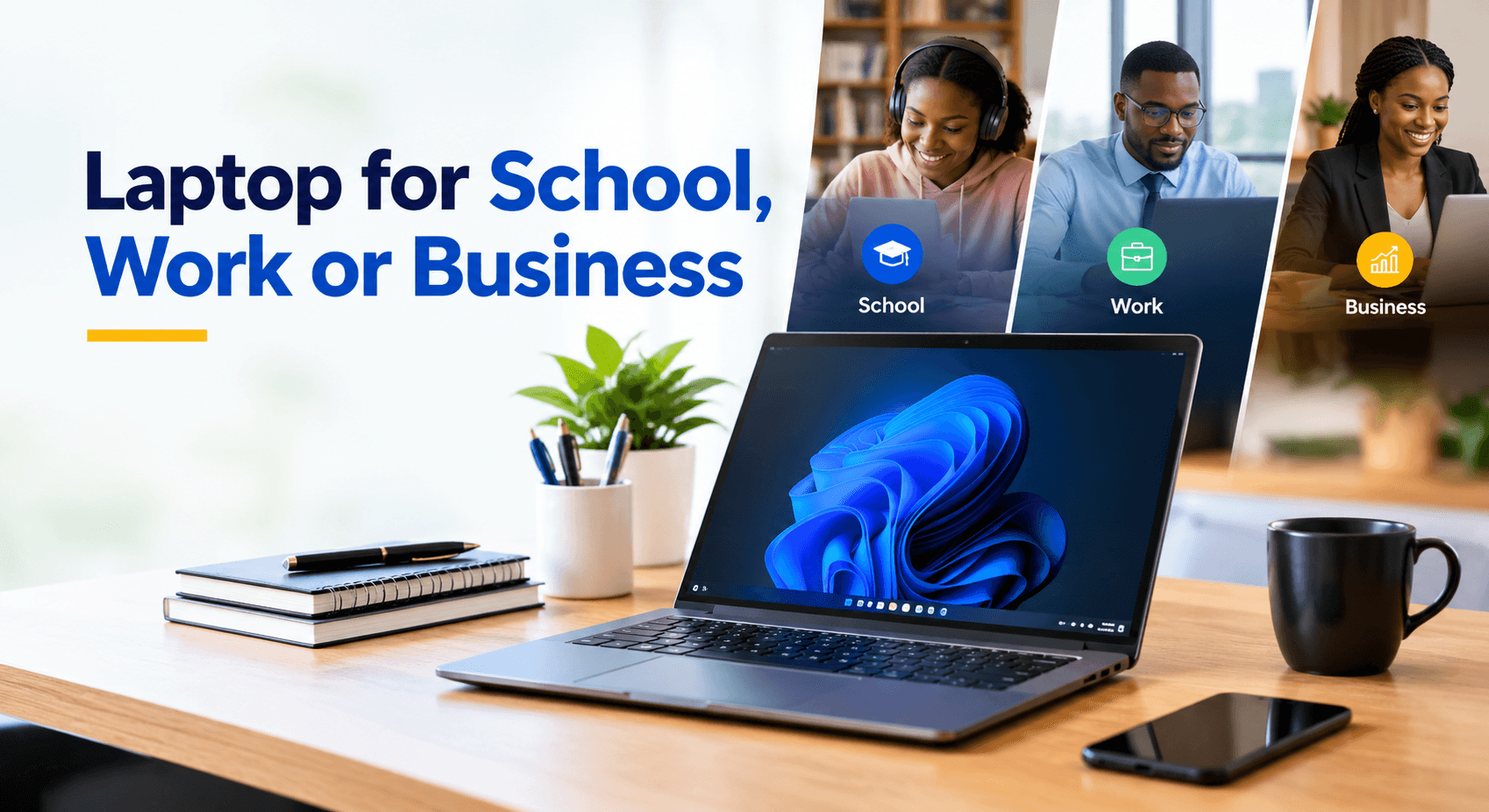
Most people choose a laptop the same way they choose most things — by brand name or by price tag. But a laptop that's perfect for one person can be the wrong fit entirely for another, because the real question isn't "which laptop is best"; it's "best for what?"
A student writing essays and attending online classes needs something very different from an office worker juggling spreadsheets and video calls. A business owner managing accounting software, customer data and a growing team needs more still — in power, storage, reliability and security.
With so many brands, processors, RAM sizes and storage options on the market, it's easy to either overspend on power you'll never use, or underspend on a laptop that struggles the moment you open more than a few tabs. The simplest way to avoid both is to start with how the laptop will actually be used, not with the spec sheet.
In this guide, we'll walk through how to choose the right laptop for school, work or business — and show a few solid options available at IPMC Kart for each.
Important Laptop Specifications You Need to Know
Laptop specifications can seem confusing at first, but in practice, only a few things really matter:
- Processor: This determines how quickly the laptop handles its tasks. Entry-level processors work fine for browsing and simple documents, while higher-tier options like Core i7 and Ryzen 5 handle multitasking and heavier workloads more comfortably.
- RAM: This determines how many applications the laptop can run smoothly at once. 8GB is a good baseline for everyday use, while professionals working across multiple programs at once will find 16GB more comfortable.
- Storage: SSDs are now standard in most laptops because they load the system and applications far faster than traditional hard disks. 256GB is enough for basic use, while heavier users — those working with large files or multiple programs — may want 512GB or more.
- Screen Size: A 14-inch laptop is portable enough for students and professionals on the move. A 15.6-inch or larger screen suits spreadsheets, presentations and extended office work better. The right size ultimately comes down to whether portability or workspace matters more to you.
1. Laptop for School: Prioritise Portability and Day-to-Day Performance
For students in universities, colleges and secondary schools, a laptop is essential — for homework, research, presentations, online courses, MS Office work, browsing and communication. A common mistake is choosing a laptop based on price alone. A very basic model may handle simple tasks well at first, but often slows down once several applications or browser tabs are open at the same time.
For general schoolwork, look out for:
- At least 8GB of RAM
- An SSD for faster boot-up and file access
- A processor capable of comfortably running the applications you need
- A screen size of 14–15 inches
- Good battery life and a manageable weight
- Enough USB ports and reliable Wi-Fi
- An operating system compatible with the software your course requires
Students studying programming, computer engineering, design or other technical fields may need higher specifications if their coursework involves demanding software or development environments.
Great Laptop Options for School at IPMC Kart
HP 14-DQ6013
The HP 14-DQ6013 comes with an Intel N150 processor, 8GB RAM, a 128GB SSD, a 14-inch screen and Windows 11. It's light and well-suited to basic school tasks — research, writing or emailing.
Lenovo IdeaPad 1 15IRU7
For students who need more room to multitask, the Lenovo IdeaPad 1 15IRU7 offers a 13th-generation Intel Core i5 processor, 8GB RAM, a 256GB SSD, a 15.6-inch touchscreen and Windows 11 Home — giving students more comfort working across several applications and larger files.
As a student, it's best to choose a laptop based on your course requirements rather than on specifications alone. Browse both options and more at ipmckart.com.
2. Laptop for Work: Look for a Balance of Performance and Portability
A work laptop typically needs to handle a variety of tasks throughout the day — emails, Word, Excel, PowerPoint, video conferencing, accounting software and multiple browser tabs, depending on the role.
For office workers, salespeople, administrative staff or remote employees, a laptop that lags while running multiple programs can quietly cost productivity every day. For general work, the following specifications are worth considering:
- At least 8GB RAM
- A 256GB or 512GB SSD
- A recent-generation Intel Core, AMD Ryzen or similar processor
- A Full HD display, if possible
- A comfortable keyboard for long typing sessions
- Good connectivity for external devices
- A screen size that suits your working environment
If your work involves lengthy Excel analysis, software development, graphic design or video editing, look for a more powerful processor and at least 16GB of RAM.
Great Laptop Options for Work at IPMC Kart
Dell Pro 15 Essential
The Dell Pro 15 features an Intel Core 3 100U processor, 8GB RAM, a 512GB SSD and a 15.6-inch Full HD display. The larger screen is useful for tasks involving extensive documents, spreadsheets and multiple open windows.
Lenovo ThinkPad E14 Gen 5
Also well-suited to office use, the Lenovo ThinkPad E14 Gen 5 has a 13th-gen Intel Core i5-1335U processor, 8GB DDR4 RAM, a 512GB SSD and a 14-inch screen — a size that keeps the device portable without sacrificing usability.
With hybrid work now common, portability is a serious factor to weigh alongside performance. See these and other work-ready laptops on ipmckart.com.
3. Laptop for Business: Think Beyond Basic Performance
A laptop bought for business use needs to do more than simply run applications. Employees will interact with accounting tools, customer databases, business software, large files, cloud applications and video calls, depending on the company. Businesses also need to weigh durability, security, storage, connectivity and the ability to keep up as workloads grow.
Investing in a laptop that only meets today's needs can mean an earlier-than-expected replacement.
What Should Businesses Consider?
For business use, we recommend looking for:
- An effective, modern processor
- Around 8GB of RAM (16GB for heavier workloads)
- A 512GB or 1TB SSD, if possible
- A reliable built-in webcam and microphone for calls
- Windows Pro, where business features are required
- Security features such as TPM and authentication support
- A stable connection
- A solid warranty and responsive customer service
- Easy availability of replacements and accessory compatibility
It's also worth standardising laptop models across a team where possible — using similar systems can make software deployment, troubleshooting and IT support noticeably easier.
Great Laptop Options for Business at IPMC Kart
Dell Latitude 5430
The Dell Latitude 5430 comes with a 12th-generation Intel Core i5-1245U processor, 8GB DDR4 RAM, 256GB of SSD storage, a 14-inch display and Windows 11 Pro — ideal for professionals who need a reliable, mobile machine for business use.
HP ProBook 460 G11
A faster option, the HP ProBook 460 G11 comes with an Intel Core Ultra 7 processor, 8GB of RAM, 512GB of SSD storage and a 16.1-inch Full HD screen. The larger display is an advantage for business users working heavily with documents and spreadsheets.
For organisations buying several units at once, factor in the total cost of ownership — a laptop with a slightly higher upfront cost may prove more economical if it offers better performance, storage, security and support over time. Explore business laptop options at ipmckart.com or speak with our team about bulk orders.
Consider Your Budget Before Buying
Laptop prices vary based on brand, processor, memory, storage and screen quality, among other factors. Rather than choosing based on price alone, start by identifying what the laptop actually needs to do.
A student mainly typing up assignments may not need an expensive business laptop. On the other hand, a professional running demanding applications on a weak machine may end up spending more in the long run through poor performance and early replacement.
The goal is simple: pay for the power you actually need.
Buy from a Trusted Technology Shop
Where you buy a laptop matters just as much as which model you choose. Before purchasing, check the warranty, product specifications, condition of the device and available after-sales support. If you're buying for a business or institution, also consider delivery options, ongoing support and the ability to order additional units later.
At IPMC Kart, we offer a range of laptops and computing devices for students, professionals and businesses across the country. Browse available models online at ipmckart.com, or visit the IPMC Showroom in East Legon, Accra, if you'd like hands-on assistance choosing the right device.
Final Thoughts: Selecting the Right Laptop for You
No single laptop fits everyone. For educational needs, prioritise portability, battery life and enough performance to handle school research and coursework. For work, aim for a balance of performance, storage, display quality and portability. For business, weigh performance, security, durability, support and long-term needs.
Before buying, make a short list of the programs you'll use, the nature of your work and the memory and performance you're likely to need. This makes it far easier to compare laptops against what actually matters to you.
Whether you're buying for school, the office or your business, choosing a laptop based on your real needs — not just brand or price — is what makes it a good investment.
Looking for a laptop? Explore the full range at IPMC Kart (ipmckart.com) or visit our showroom in East Legon, Accra, for help finding a laptop that fits your needs and budget.