

Computing Devices
1080p, 1440p or 4K? Understanding Monitor Resolution
IPMC Kart · 2 October 2026
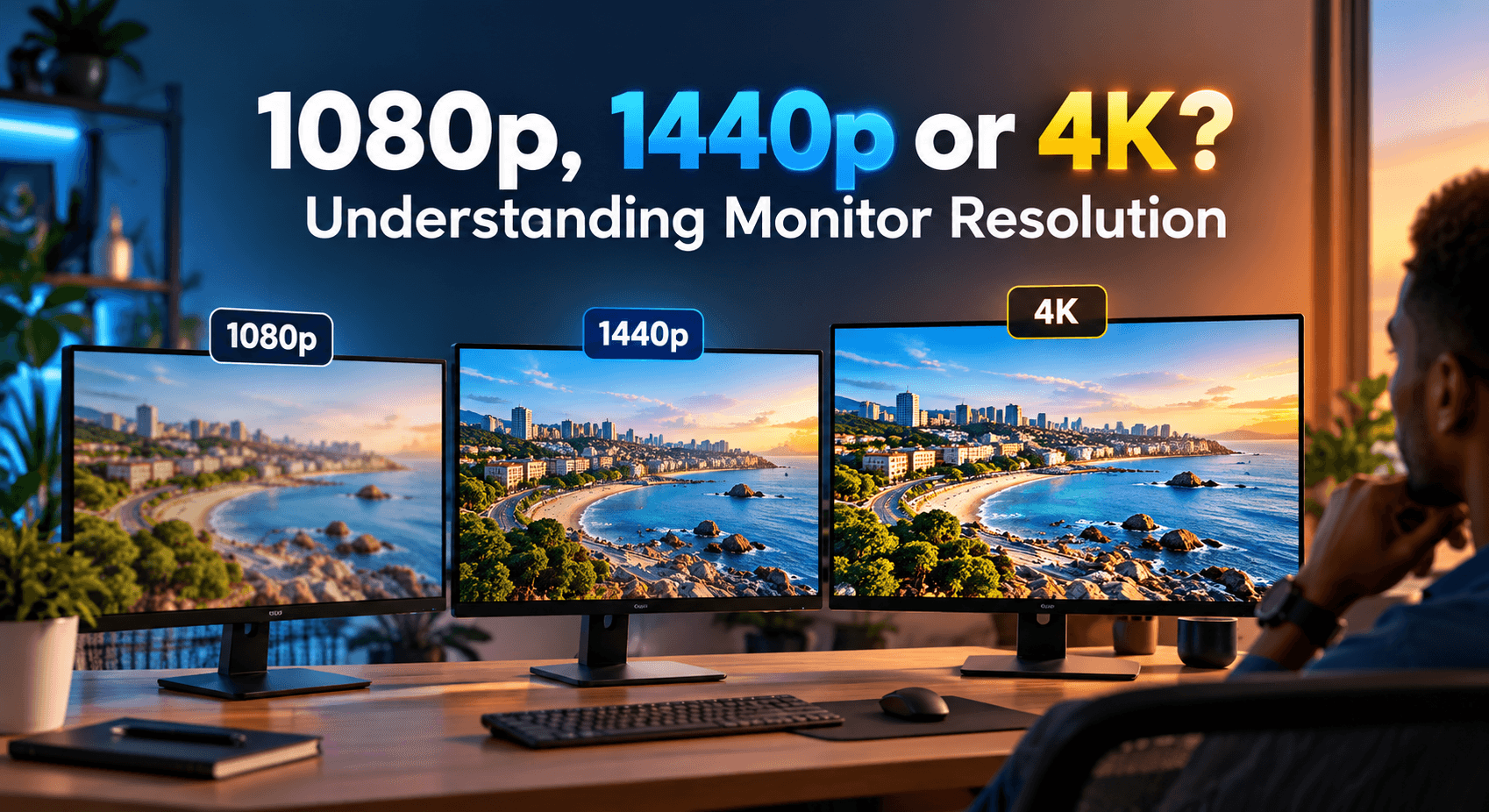
Have you ever wondered why two monitors can look nearly identical on the shelf but carry very different price tags?
Resolution is one of the biggest reasons why. When you're shopping for your next monitor, you'll often see terms like 1080p, 1440p and 4K, and it's natural to wonder what they actually mean and whether a higher number always means a better screen. The honest answer depends entirely on what you'll use the monitor for, whether that's office work, gaming, content creation or running a workstation in a busy Accra office.
Knowing your purpose, and how resolution actually affects what you see, can help you make a smarter purchase instead of paying for pixels you'll never notice.
What Does Monitor Resolution Mean?
Monitor resolution refers to the number of pixels a monitor displays on screen. Pixels are the tiny dots that make up the image you see, and the more of them a screen packs in, the clearer and more detailed the picture looks.
There are three resolutions you'll run into most often:
- 1080p: 1920 × 1080 pixels
- 1440p: 2560 × 1440 pixels
- 4K: 3840 × 2160 pixels
The same resolution doesn't look equally sharp at every screen size. A 1080p picture can look perfectly crisp on a small monitor, but stretch that same number of pixels across a much larger screen and the image starts to look softer, since each pixel has to cover more physical space. This is why screen size and resolution need to be considered together, not separately.
So, let's look at what each option actually offers.
1080p: A Smart Choice for Daily Use
1080p, also known as Full HD, is a popular resolution for good reason. It delivers clear pictures without putting the strain on your computer that a higher resolution would.
It handles everyday activities comfortably: browsing, Microsoft Office, online courses, video conferencing, YouTube and general office work. It's also a sensible choice if you're working with a tighter budget or an older, lower-powered device. For students and employees across Ghana, where budget and hardware constraints are often real considerations, 1080p remains the resolution that gives the best balance of image quality and price.
When to Consider Buying 1080p
1080p is worth choosing when:
- Your budget is the deciding factor, more than the specs
- Your computer is a few years old or on the lower end
- You want one resolution that handles work, meetings and streaming equally well without fuss
If you don't need extremely detailed visuals, it makes little sense to pay extra for 1440p or 4K.
1440p: The Middle Ground
Also known as Quad HD or QHD, 1440p sits between 1080p and 4K. It gives you noticeably sharper text, images and games than 1080p, without the demanding hardware requirements of 4K.
The extra pixels also mean more usable workspace on screen, which helps when you need several documents or windows open side by side. For gaming, 1440p is a good fit if your PC has a reasonably capable graphics card to drive it.
When Should You Choose 1440p?
1440p is worth choosing when:
- You've outgrown 1080p and want a visible step up
- You edit photos or work with design software regularly
- Your PC's graphics card can comfortably handle the extra pixels
- You want more on-screen workspace for multitasking
If you're building a reasonably powerful PC, whether for gaming or creative work, and want a display that can keep up, 1440p is often the sweet spot.
4K: More Detail for Larger Screens and Creative Work
4K runs at 3840 × 2160, four times the pixel count of a 1080p Full HD display. That extra detail shows up clearly: text looks sharper, images more defined, and high-definition video noticeably more impressive.
If you work in photography, video editing, graphic design or any field involving visual detail, a 4K display gives you more to work with. It's also worth it if you simply want the best picture quality for entertainment on a larger screen.
The trade-offs are real, though. A 4K monitor costs more, and gaming at 4K demands a more powerful (and pricier) graphics card to run smoothly.
When Is 4K Necessary?
4K is worth considering when:
- Your work depends on fine visual detail (editing, design, photography)
- You regularly watch 4K content and want to see the difference
- You're pairing it with a large screen, where the extra pixels actually matter
- Your computer has the graphics power to handle it without slowing down
For everyday office work, even in demanding roles, 4K is often more than you need.
Does a Higher Resolution Always Mean a Better Screen?
No. Resolution matters, but it's only one piece of what makes a display good.
Refresh rate, panel type, colour accuracy, brightness, response time, connectivity and physical screen size all shape your day-to-day experience just as much. A 1440p screen with a high refresh rate can outperform a basic 4K model with a low one for gaming. A graphic designer, meanwhile, might rightly care more about colour accuracy than raw pixel count.
That's why, before buying, it pays to look at the full picture rather than choosing on one spec alone, whether you're shopping in a shop in Accra or comparing listings online.
Conclusion
Choosing the right monitor doesn't mean picking the biggest number on the specifications chart. It means picking one that fits how you work, play, and spend, whether that's casual browsing, serious gaming, or professional creative work.
One more thing to check before you decide: higher resolution generally demands more graphics performance, so make sure your computer can drive the resolution you're eyeing. Otherwise, the extra money spent on a 4K screen won't translate into a better experience.
At IPMC Kart, we know comparing monitor specs can feel overwhelming when you're not sure which numbers actually matter. Looking at resolution and size alongside refresh rate, panel type and connectivity will give you a much clearer picture of what you're really getting, and we're happy to help you work through it.
Whether you're shopping for office use, school, gaming or creative work, compare a few options before you commit.
Looking for a monitor in Ghana? Explore the available options on IPMC Kart and choose a display that fits your needs and budget.